
How to Tackle PLC Integration When Different Brands Share the Floor
Your facility was built twenty years ago. Since then, new machinery, packaged systems, and a more modern line have gradually arrived. Each addition introduced different controls, protocols, and software.
A once-uniform plant turned into a patchwork of technologies, leaving the floor running on a mix of PLC brands that were never designed to communicate with one another.
This Verdusco Automation article covers how to approach PLC integration for multi-vendor equipment using centralized process control.
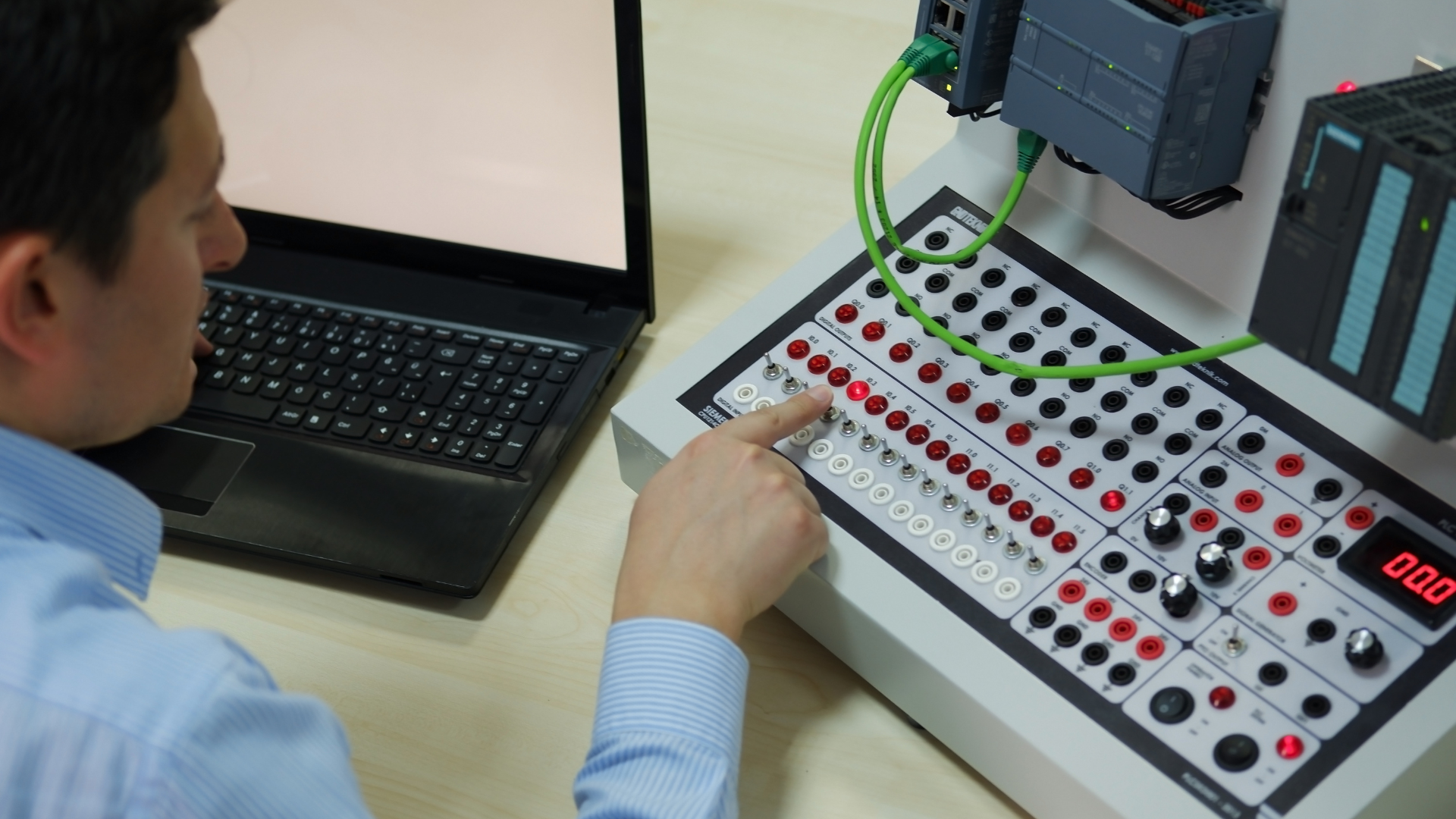
When PLCs Don’t Work Together…
You get out of sync with the heart of your operations: control and monitoring.
Let’s paint a quick picture.
You pass by the compressor room. Two units of different brands should be sharing load data, but they are not. One panel shows pressure climbing. The other sits frozen. No alarm ties them together.
Down the line, a filler trips, and a warning beacon flashes. But the upstream conveyor keeps feeding bottles. No handshake or stop signal exists between them. Operators notice too late. By that time, the product backs up, and the line stutters.
Each event steals five minutes here, ten there, shift after shift.
The toughest part is that, individually, all the equipment works fine. Whether it is a Siemens PLC, an older Modbus device, or a newer Rockwell line, they all do their job. But together, they fail to operate as one system.
That’s where integration changes everything.
Solve PLC Incompatibility with Centralized Process Control
The most effective approach to fix PLC incompatibility is to build a centralized process control layer that standardizes communication across all systems.
The process is straightforward:
Step 1: Select a multi-protocol gateway for PLC conversionChoose a gateway that translates across your existing protocols (Rockwell to Siemens, Modbus to Profinet, or serial to Ethernet). A DIN rail unit with dual Ethernet ports is often the practical fit.
Step 2: Install and connectMount the gateway next to your PLC rack. Connect each PLC using existing wiring. Link the gateway to your network and SCADA system, then power it up.
For PLCs spread across the plant, managed switches or fiber runs may be needed to keep communication stable between areas.
Step 3: Map and standardize tags Use the gateway interface to rename raw memory addresses into clear, usable tags. For example, “DB100_Motor_Speed” becomes “Line1_RPM.” Test one connection at a time.
Step 4: Point your SCADA to the gateway Point your SCADA system to the gateway instead of multiple PLCs. One dashboard shows Siemens, Rockwell, and Modbus data together.
By the end:
Operators see every line update together.
Engineers can configure logic once (not per brand).
And teams stop second-guessing process variables and equipment status.
How PLC Integration Recovers Lost Revenue
The value of solid PLC integration comes from removing small, repeated losses.
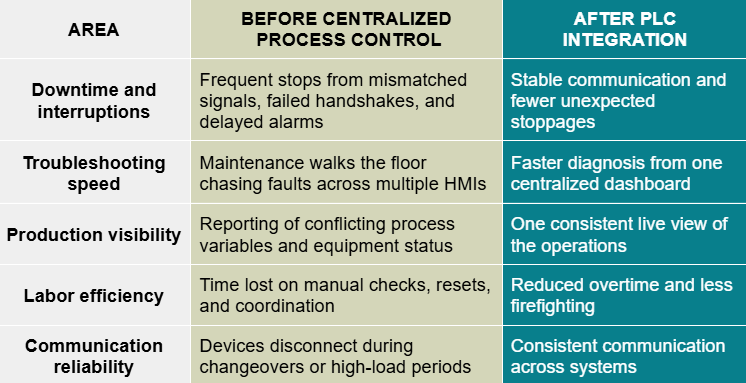
On a line generating $10,000 per hour, even slight inefficiencies can add up fast. Recovering just 2% of one shift’s lost value can turn into meaningful savings by the end of the day.
Locking In PLC Integration for Seamless Plant Control & Monitoring
A strong centralized process control architecture gives your plant room to expand without creating more confusion between operators, maintenance, engineering, and leadership.
Verdusco Automation helps manufacturers build stable architecture across mixed-brand environments, connecting legacy PLCs, modern equipment, and fragmented communication standards into one reliable control structure.
Want to evaluate your current architecture? Get Your 15-Minute Talk Now!
📩: maria@verduscoautomation.com
🌐:verduscoautomation.com/contact”
——————
Note: This article illustrates what can be achieved with simple automation adjustments. A custom analysis of your facility is needed for a precise ROI calculation.
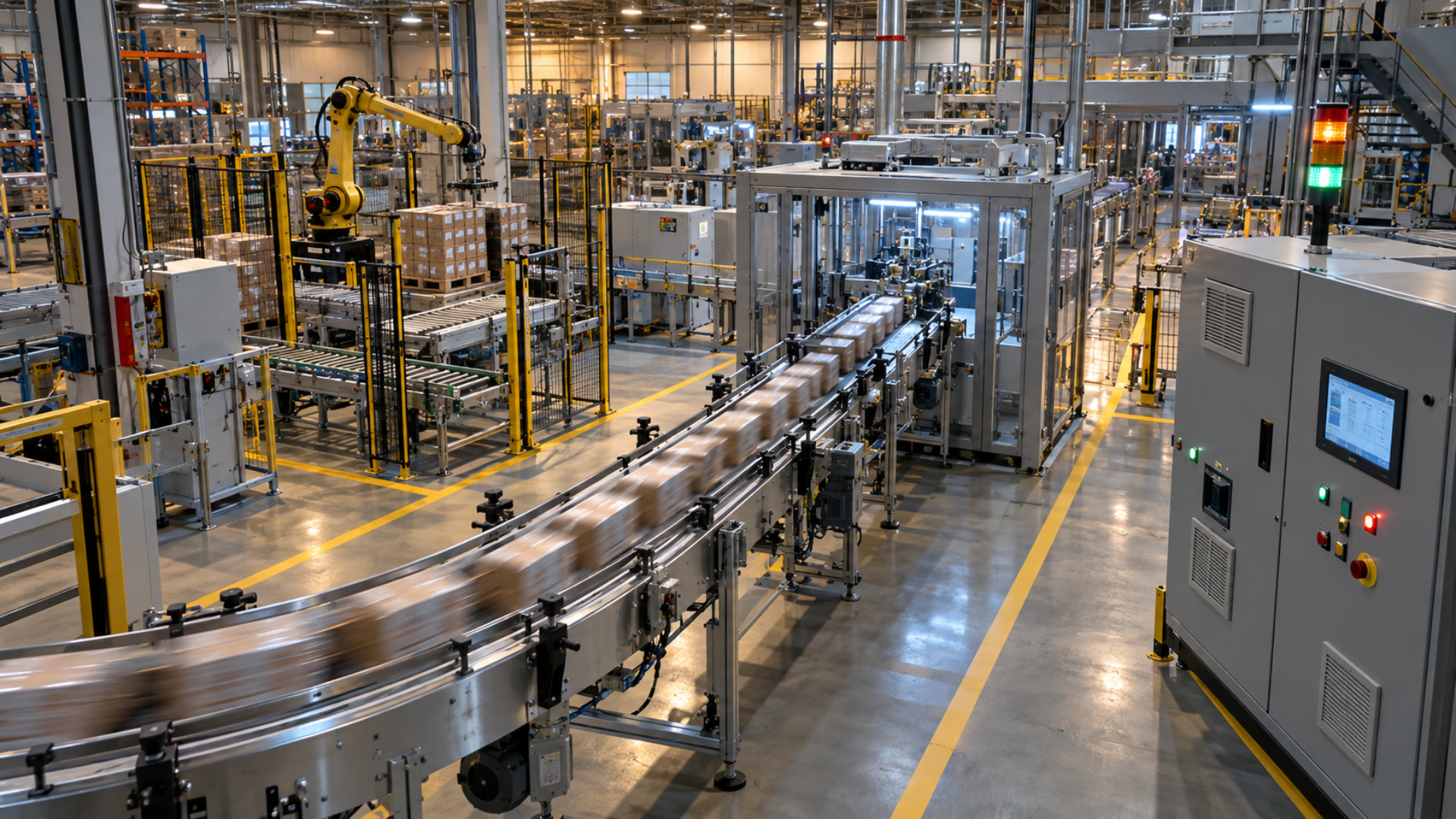
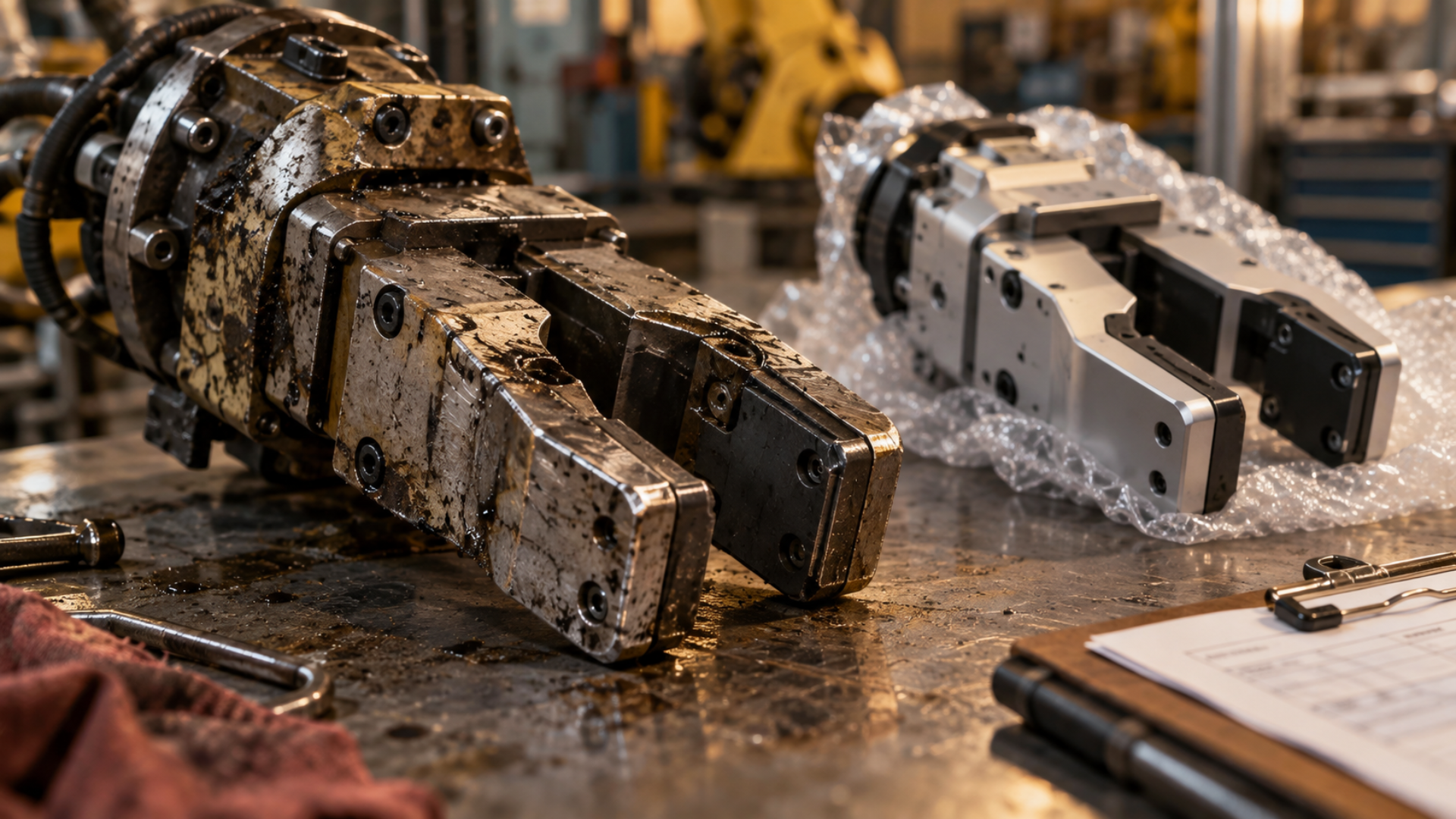

Aging conveyors don't always need full replacement — often the mechanical structure is sound and only the controls are outdated. Discover how a control system retrofit with VFD motor control and smart sensors can cut downtime, reduce damage, and deliver payback in months.